
Large Event Technology Rental
How to match connectivity options when booking a large event technology rental
Planning a large event technology rental? Match cellular, router, and satellite connectivity to each venue before you book. See how it works.
What You'll Need
A venue-by-venue site list covering every city or location on the schedule, indoor, outdoor, or hybrid
Device counts per location — POS terminals, kiosks, scanners, and handhelds broken out by room or zone
Written confirmation from each venue on house Wi-Fi capacity, bandwidth costs, and any mandated payment network requirements
A cellular coverage check for each site, especially fields, fairgrounds, parking lots, and rural stops
A shared tracking sheet listing connectivity tier, device count, and venue restrictions per city
A named ops contact at each venue who can answer network questions before shipping
A backup connectivity option identified for flagship stops or peak-attendance days
Outdoor placement clearance from the venue if satellite hardware is part of the plan
Roughly 2 to 4 weeks of lead time to survey sites, confirm tiers, and lock the order before devices ship
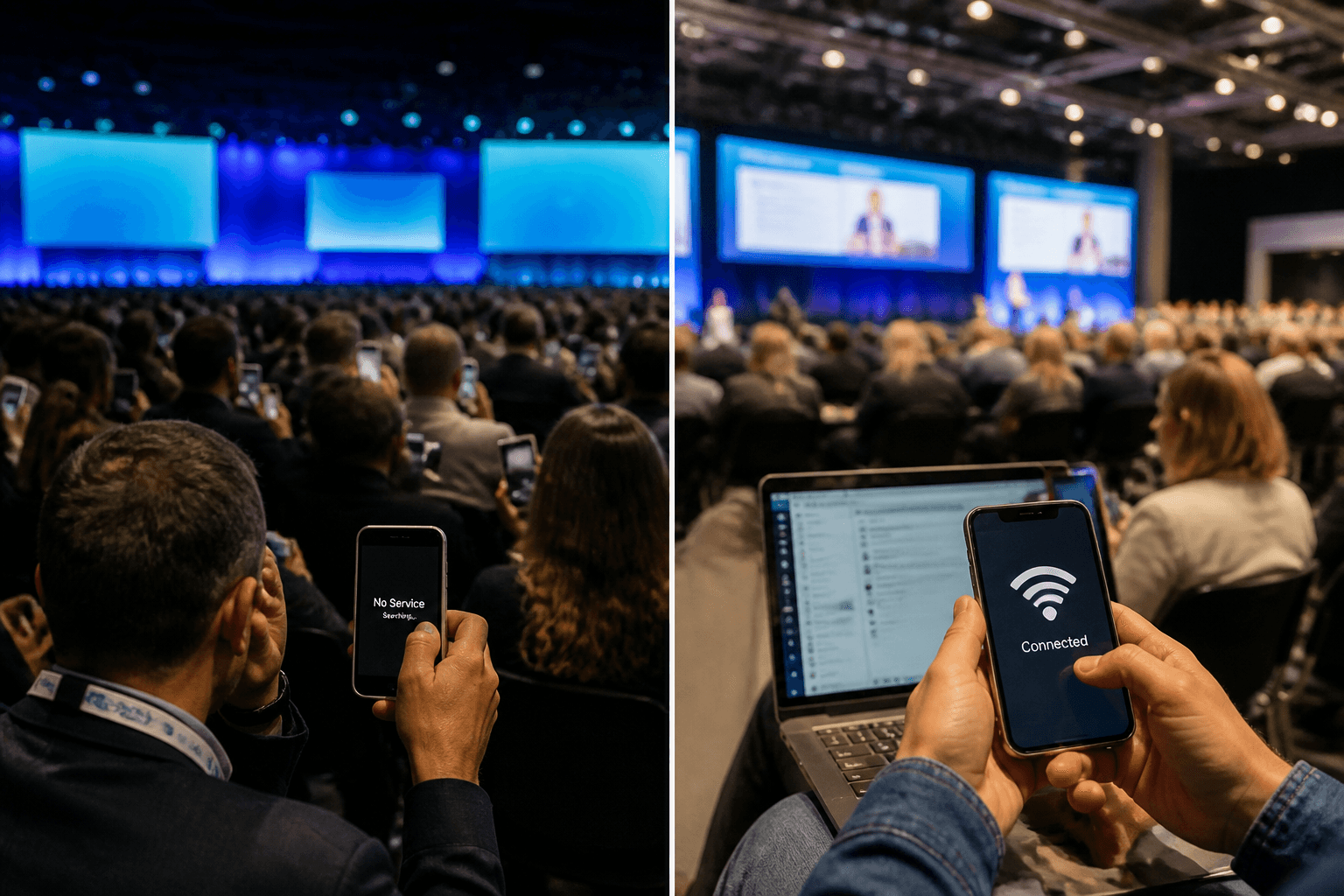
One venue has cellular signal strong enough to run fifty POS terminals without a hiccup. The next stop on the tour is a parking lot with none at all. That gap is where most large event technology rental plans quietly fall apart — not because the hardware failed — because nobody matched the connectivity tier to the actual site.
Producers coordinating a multi-city activation know the feeling: a ballroom in one city throttles Wi-Fi unless you pay extra, a fairground in the next has no usable network within miles, and a third location sits somewhere in between. Picking one connectivity option and applying it everywhere is a guess dressed up as a plan. Cellular built into a handheld works fine for a roaming scanner crew. It won't carry a room full of check-in tablets. Satellite solves the no-infrastructure problem outdoors but does nothing for a stubborn hotel network indoors.
Getting this right means walking each site's conditions first, then working backward to the right tier — device-level, router, or satellite — before a single unit ships. That order matters more than most teams realize until it's too late.
What You'll Accomplish and What to Gather Before You Start
Picture a producer booking six cities for one brand tour — three convention centers, two outdoor lots — a hotel ballroom with notoriously weak signal. Each site needs a different connectivity answer, and guessing wrong means a POS lane that won't process cards on doors day. Planning a large event technology rental means matching the right tier to each location before anything ships, not after.
Information to Collect From Each Venue or Site
For every location, gather cellular coverage notes, whether house Wi-Fi exists and who controls it, whether the footprint is indoor, outdoor, or both, the device count per site, and any venue-mandated payment or network requirement. This applies just as much to a one-off temporary event technology rental as it does to a full tour.
Who Should Be Involved in This Decision
Loop in the producer, the on-site operations lead, and whoever owns the connectivity budget line. Picking the wrong tier at booking time becomes a day-of problem nobody wants to inherit.
Step 1: Map Every Location's Infrastructure Before You Request Equipment
Connectivity failures happen when nobody checks the site until the week of the event. Walk through each city or venue on the schedule and note whether it's indoor, outdoor, or a hybrid space like a tent with partial structure. That single walkthrough determines which connectivity tier belongs in the equipment plan, and it's the step most producers skip when they're managing a multi-city rollout for a b2b event technology rental program.
Ask the Venue Directly About Network Capacity
Many convention centers and hotels throttle bandwidth or charge heavily once you exceed a basic allotment. Get written confirmation of what's included versus what costs extra before booking hardware, not after.
Flag Sites With No Terrestrial Infrastructure
Fields, fairgrounds, parking lots, and rural locations often carry no usable cellular signal at all. These sites need a different plan than a downtown ballroom, and a capable event technology rental company will ask about this before quoting connectivity.
Step 2: Match Device-Level Cellular to Small, Distributed Device Counts
How many devices actually need their own connection, and are they spread across a wide footprint or clustered in one spot? That question decides whether device-level cellular is the right call. When staff is scanning tickets at a handful of gates or roaming with handhelds across a venue, built-in 4G/LTE on the rented hardware is usually enough — no shared network to configure, no router to place. This is a common setup for a corporate event technology rental supporting a small footprint, and it works just as well for an event technology rental Canada deployment where staff move between check-in points rather than sitting at fixed stations.
When This Tier Falls Short
Device-level cellular is not built for a shared local network or dozens of devices pulling data at once. That's a router job, not a single-device job. Once headcount or device density climbs, this tier gets stretched thin fast.
Step 3: Deploy Cradle Routers for Indoor Venues With Weak House Wi-Fi
Seventy-five devices on one router. That's the practical ceiling most portable LTE units hit, and it's exactly why cradle routers have become the default fix for ballrooms and conference rooms with spotty house networks. Any portable event technology rental plan for an indoor space should treat this as the baseline, not the exception.
Sizing the Router to Your Room
Walk the floor plan first. Count every POS terminal, kiosk, check-in tablet slated for that room, add a buffer for staff devices, and confirm the router's rated capacity covers the total with margin left over. Undersizing a router is the fastest way to see checkout lines stall mid-event.
Common Mistake: Treating a Router as a Universal Fix
A cradle router still rides on local cellular signal. Stack five routers in a dead zone and the result doesn't change — no signal in, no signal out. If the venue itself has weak coverage, the fix lives elsewhere, not in more hardware.
Step 4: Choose Satellite Connectivity for Sites With No Usable Network at All
Most planners assume Wi-Fi is a venue problem to solve on-site. That's backward. If the site has sky, it has internet — satellite hardware gives a large event technology rental a connection that doesn't depend on whatever infrastructure the location happens to have, or doesn't have.
Where This Tier Is the Only Real Option
Open fields, fairgrounds, parking lots, and rural or remote sites with weak cellular coverage are the clearest cases. Municipal events, agricultural expos, and large outdoor activations fall here too — places where a hotel ballroom's network problems simply don't apply, because there's no network to begin with.
Where This Tier Is the Wrong Choice
Satellite terminals need a clear, unobstructed view of the sky, so they get placed outdoors and cabled in. That makes it a poor fit for indoor-only spaces. A sluggish hotel network calls for a router, not a satellite dish. Matching connectivity correctly is what separates a well-run managed event technology rental from one that guesses.
Step 5: Build a Connectivity Plan Per City, Not One Plan for the Whole Tour
Picture a five-city retail tour: stop one is a downtown convention hall with packed cellular towers, stop two is a fairground parking lot with no terrestrial signal at all, and stop three sits inside a hotel ballroom with weak house Wi-Fi. Treating that as one connectivity plan is how devices go dark mid-event. A multi-city activation rarely needs the same solution everywhere. One stop might need cradle routers, the next might need satellite, and a third might run fine on device-level cellular alone. Producers who work with an established event tech rental company know the right move is matching the tier to the venue, city by city, not defaulting to whatever worked last time.
Document the Plan Location by Location
List each city, its connectivity tier, device count, and any venue restrictions in one shared sheet so nothing gets missed during shipping and setup.
Build In a Backup Plan Where the Stakes Are Highest
For flagship stops or peak-attendance days, pair your primary connectivity choice with a secondary option so one weak signal day doesn't stall the whole event.
Step 6: Confirm Your Connectivity Choice Before Devices Ship
Lock nothing in until the connectivity plan gets a second look. Tier decisions made three weeks out often need adjusting once venue details firm up, and a quick confirmation call catches mismatches while they're still cheap to fix. This is the point where a genuinely event ready technology rental plan separates itself from one that just looks good on paper.
Questions to Ask Before Confirming
Ask what device count the router is actually rated for at your site — not the spec sheet max, the real-world number once walls, distance, and simultaneous logins are factored in. Ask whether the satellite terminal needs a specific outdoor placement, since it needs a clear view of open sky and cabling back to indoor equipment. And ask what the fallback plan is if a site's cellular coverage turns out weaker than expected once the crew arrives. A rental partner should have a straight answer to all three before your order locks in, not after the trucks are loaded.
Common Mistakes to Avoid When Matching Connectivity to a Large Event
Have you actually confirmed what each venue on your list can support, or are you assuming last year's setup will just work again? That assumption is where most connectivity plans fall apart. A three-city tour rarely has three identical sites — one has strong house Wi-Fi, one has none, and one has a signal dead zone right at the registration table.
Do not rely on device-level cellular for a bank of POS terminals; it works for a handful of roaming devices, not a whole checkout line. Do not wait until load-in to discover a ballroom's network can't handle simultaneous logins. This is the same planning discipline that matters for any brand activation tech rental, where connectivity gets locked in well before trucks arrive.
The Biggest Mistake: Skipping the Site Survey
Teams that skip a real connectivity check per venue are the ones scrambling on event morning. A five-minute call to the venue's operations contact usually settles it.
How to Verify Your Connectivity Plan Is Ready for Event Day
Nearly a third of on-site tech failures at large events trace back to a mismatch between connectivity tier and actual device load — not hardware defects. That's the number worth sitting with before trucks even leave the warehouse. Before devices ship, confirm three things: every location has an assigned connectivity tier, device counts match router capacity, and any outdoor satellite placement has been cleared with the venue. A plug and play event tech rental only stays plug and play if the connectivity groundwork was actually verified beforehand, not assumed — see plug and play event tech rental options built around this exact problem. Skipping this step is how a 75-device cradle router ends up serving 90 terminals at peak hours.
Final Check-In Before Doors Open
Run a live test of each connectivity setup as soon as it's on-site rather than waiting for the first transaction of the day to find out something's wrong. Test every tier separately. Cellular, router, satellite — each one, on its own, before doors open.
How-To FAQ
How do I know if a venue needs cellular, a router, or satellite?
Start with a direct call to the venue's operations contact and ask about house Wi-Fi cost, cellular signal strength, and whether the space is indoor, outdoor, or mixed. Indoor rooms with weak Wi-Fi usually need a cradle router, while open outdoor sites with no coverage at all point toward satellite. Device-level cellular covers roaming staff and small, spread-out device counts.
Can I mix connectivity tiers across one multi-city activation?
Yes, and in practice most large activations need a different tier at nearly every stop. A downtown convention center might run fine on a cradle router while a fairground three states away needs satellite. Building one connectivity plan for the entire tour is a common mistake — plan location by location instead.
What happens if the venue's cellular signal is weaker than expected on event day?
This is why a backup plan matters for high-stakes stops. Pair your primary connectivity choice with a secondary option — for example, a router site with device-level cellular as a fallback — so one weak-signal day doesn't stall check-in or payments.
Is satellite internet ever the right choice for an indoor venue?
No, satellite terminals need a clear, unobstructed view of the sky, so they're placed outdoors and cabled into the space. If a hotel ballroom has bad Wi-Fi, a cradle router is the right fix, not satellite. Save satellite for genuinely infrastructure-free sites like fields, lots, or rural locations.
How many devices can a single cradle router realistically support?
A portable LTE router can serve a meaningful number of devices in one room, but the exact count depends on the model and the local cellular signal it's pulling from. Count every POS terminal, kiosk, and check-in tablet in that space first, then confirm the router's rated capacity covers it with room to spare rather than running at the edge.
When should I finalize the connectivity plan before devices ship?
Confirm the plan with your rental partner as soon as every site survey is complete, ideally well before the order locks in. Connectivity swaps are far easier before shipping than after devices land on-site, and running a live test of each setup the moment it arrives catches problems before the first transaction of the day.
Connectivity planning is the part of a large event technology rental that gets skipped most often and costs the most when it's wrong. The fix isn't complicated — it just requires treating every city or site as its own decision rather than defaulting to one setup for the whole run. Device-level cellular covers roaming staff and scanners. Cradle routers handle a room full of terminals inside decent coverage. Satellite steps in where a site has no usable network at all — fields, lots, and remote sites where nothing else works. What matters is matching the tier to the actual conditions on the ground, confirming device counts against router capacity, and building a backup for the stops where the stakes are highest.
None of this should be a same-day discovery. Get the site survey done early, document the plan location by location — confirm it before hardware ships. A producer coordinating a multi-city activation who wants help mapping connectivity tiers across every stop should reach out for a scoping conversation before the next booking window closes.
Contact Fello
Need tech for your next event? Have questions about a current rental? Whether you’re a customer, prospect, or partner—our team is here to help.
Fello Rental & Support Hours
Rental Agents
Monday–Friday,
9:00 AM – 8:00 PM EST
Support Team
Daily, 9:00 AM – 10:00 PM EST
Email Us
Media Relations or Partnership Inquiries
24/7 Support That Goes Beyond
At Fello, your event's success is our priority. We deliver comprehensive support from planning to teardown with on-time delivery and real-time assistance. When challenges arise—like delayed shipments—we solve them immediately. Going the extra mile is just what we do.


At Fello, we provide seamless technology solutions tailored to your needs, ensuring your events run smoothly and successfully.
Rental Solutions
Fello + Partners


The ultimate tablet and iPad rental source for events and businesses. Thousands of iPads available and in stock for immediate rental. Whether you need to rent 10, 50, 100, 1,000, 2,000 or 5,000 iPads, we have you covered. Serving all 50 states, including bulk iPad rentals in Atlanta, Austin, Baltimore, Birmingham, Boston, Buffalo, Charlotte, Chicago, Cincinnati, Cleveland, Columbus, Dallas, Denver, Detroit, Fort Lauderdale, Fort Worth, Hartford, Houston, Indianapolis, Jacksonville, Kansas City, Las Vegas, Los Angeles, Louisville, Memphis, Miami, Milwaukee, Minneapolis, Nashville, New Orleans, NYC, Orlando, Philadelphia, Phoenix, Pittsburgh, Portland, Raleigh, Richmond, Sacramento, Salt Lake City, San Antonio, San Diego, San Francisco, San Jose, Seattle, St. Louis, Tampa, Tucson, Tulsa, Washington DC. iPad is a copyrighted and trademarked item belonging to Apple Inc. Fello and Flying Connected, Inc. are not affiliated with Apple Inc.
Copyright © 2011–2026 Fello and Flying Connected, Inc. All rights reserved.